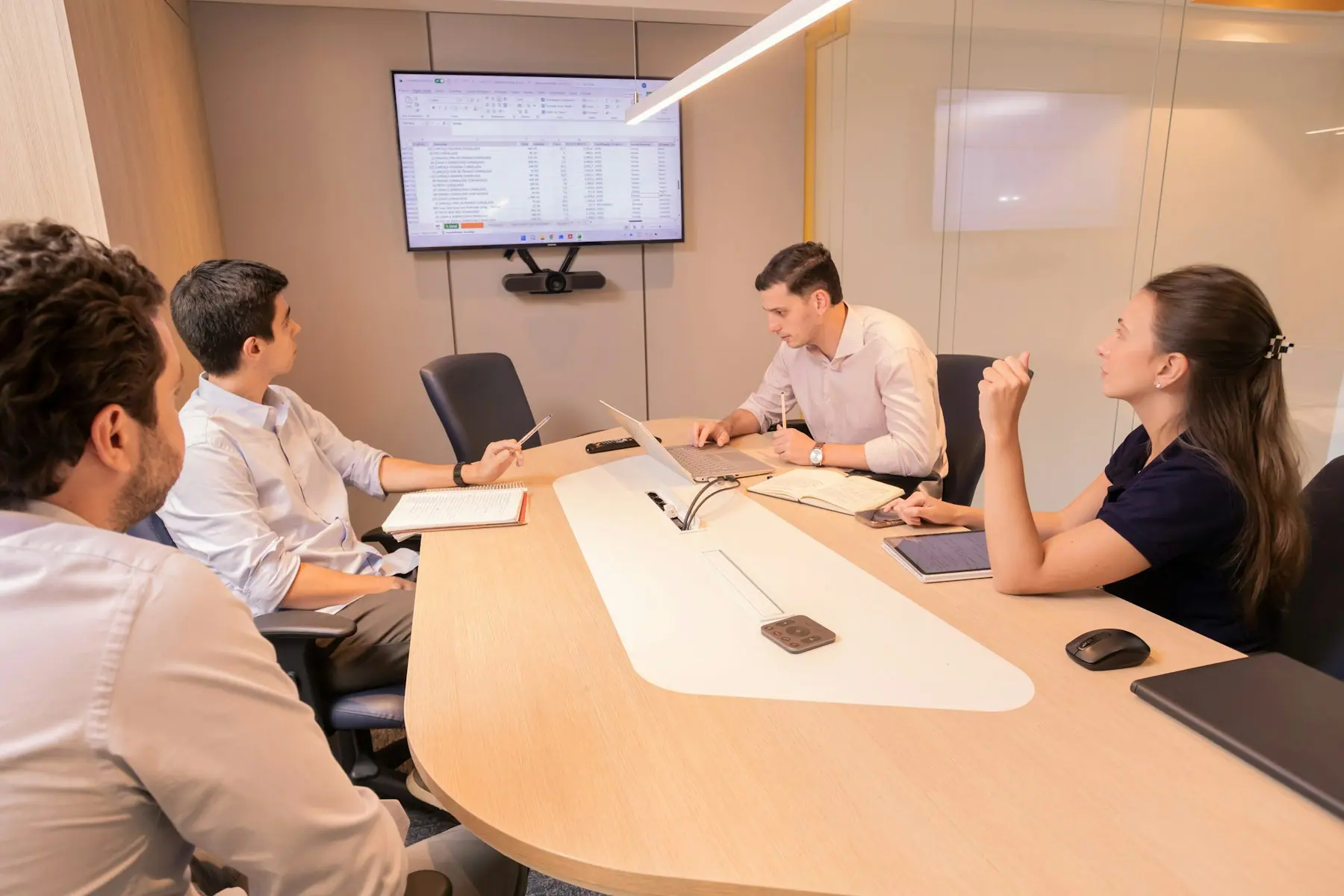
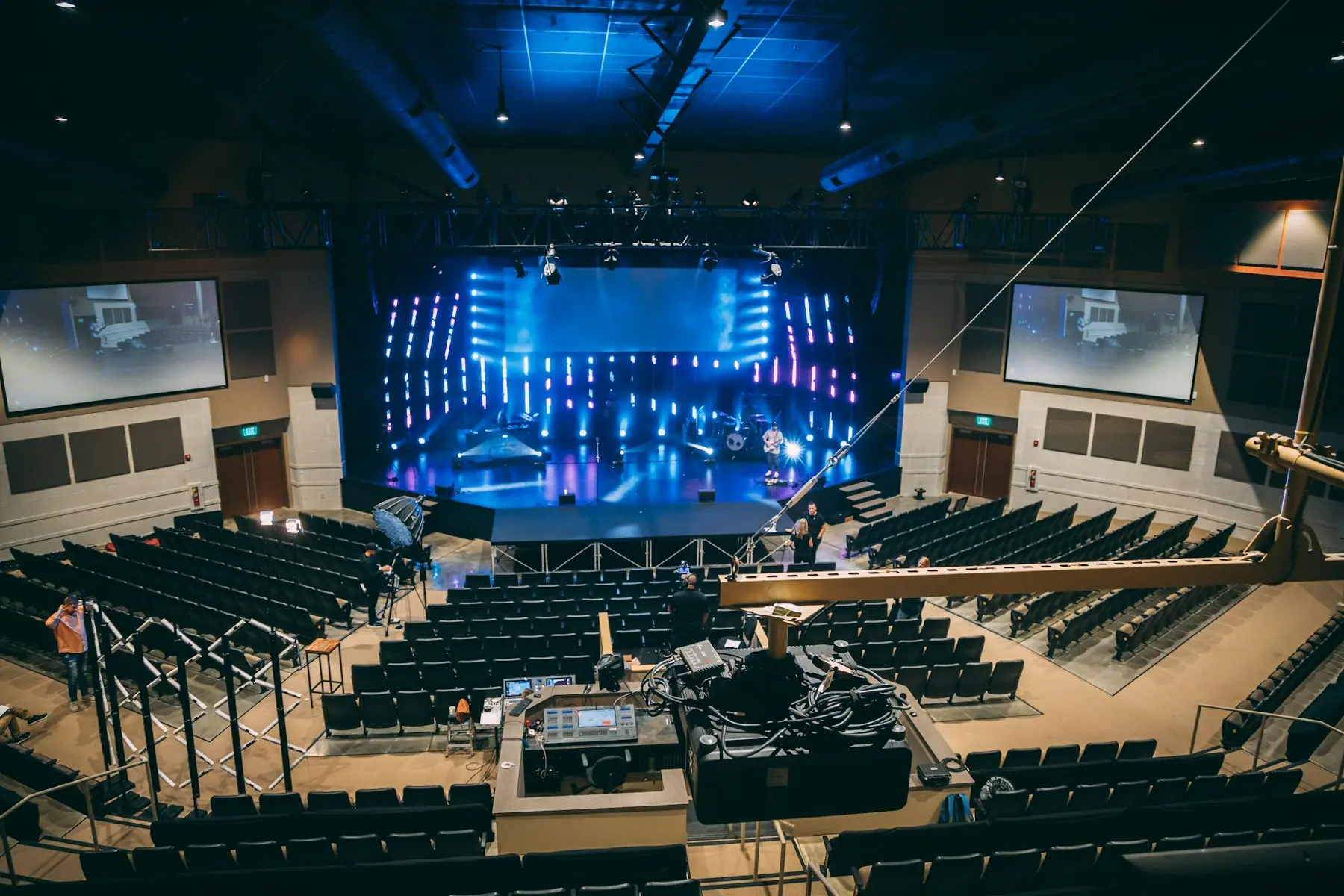
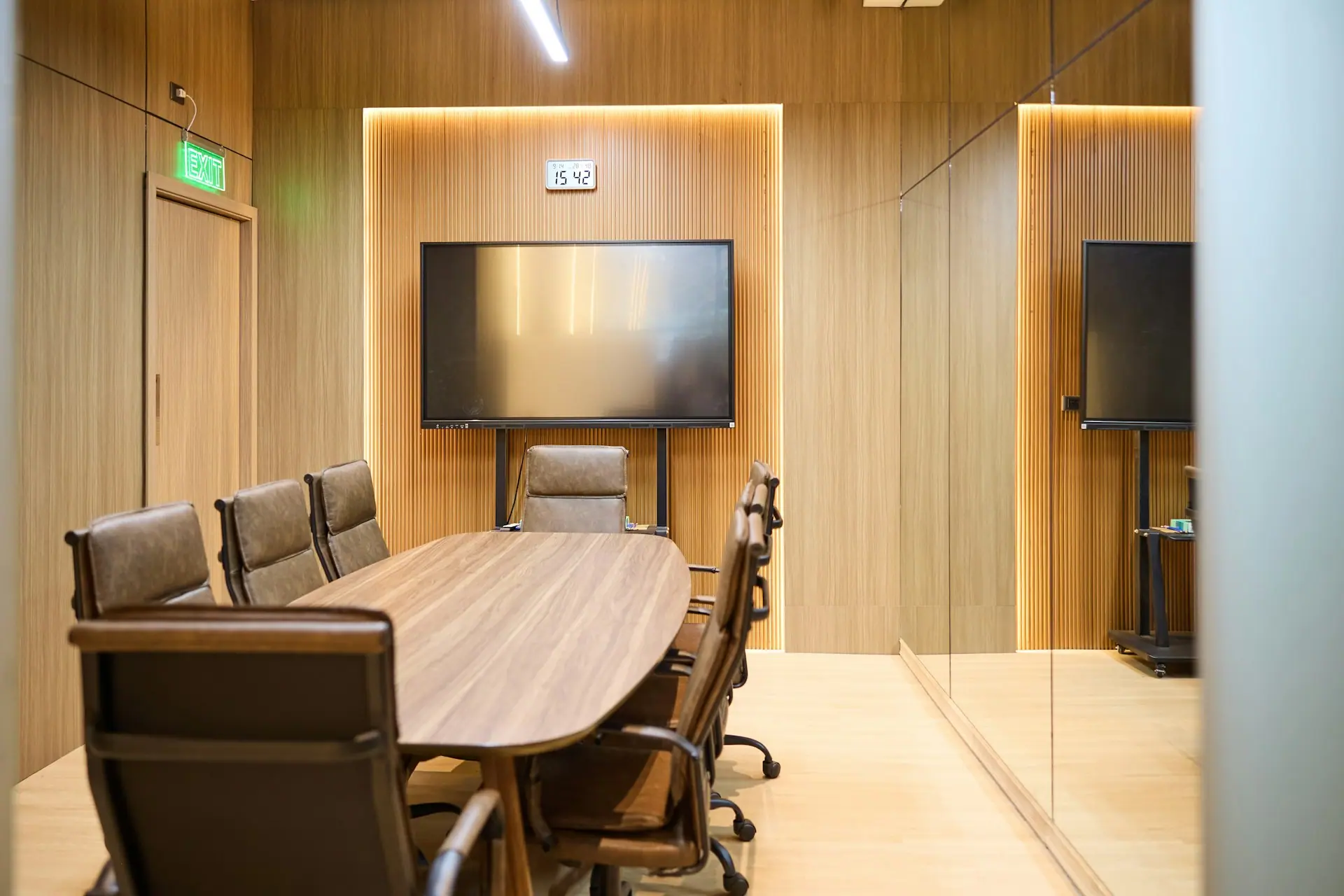
Rooms where every voice is heard and every screen is sharp, from four-seat huddles to twenty-seat boardrooms.
We plan the room around how it will be used: seating, sightlines, acoustics and the platform your team already runs. Then we design one system for display, camera, audio and control, install it, and hand over a room anyone can start in one touch.
- One-touch start for Microsoft Teams, Zoom or Google Meet
- Clear audio for every seat, not only the ones near the camera
- A consistent experience across every room on the floor
What we deliver
Room design consultation
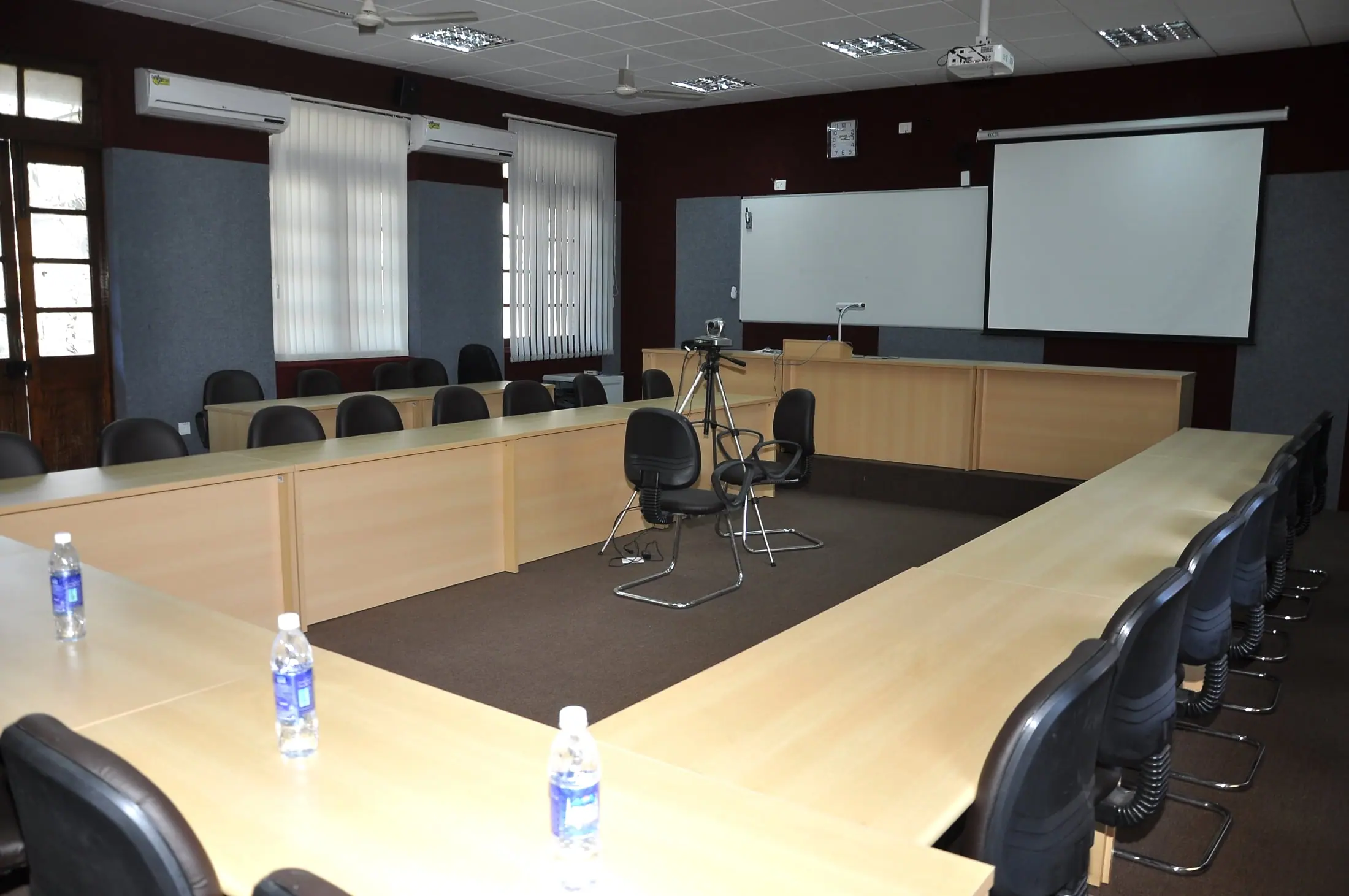
Site survey, seating plan, viewing distance, display size and camera coverage worked out before anything is ordered.
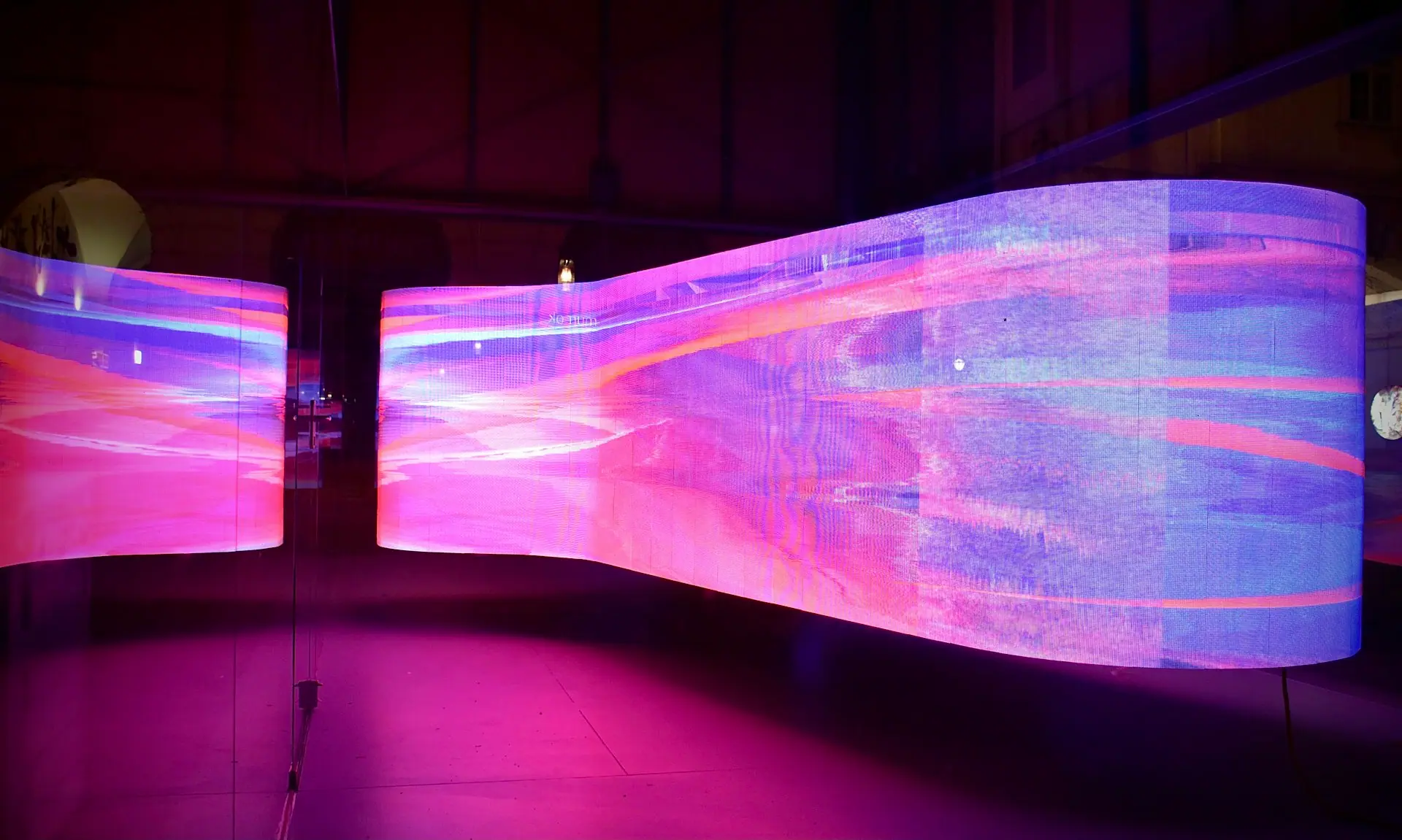
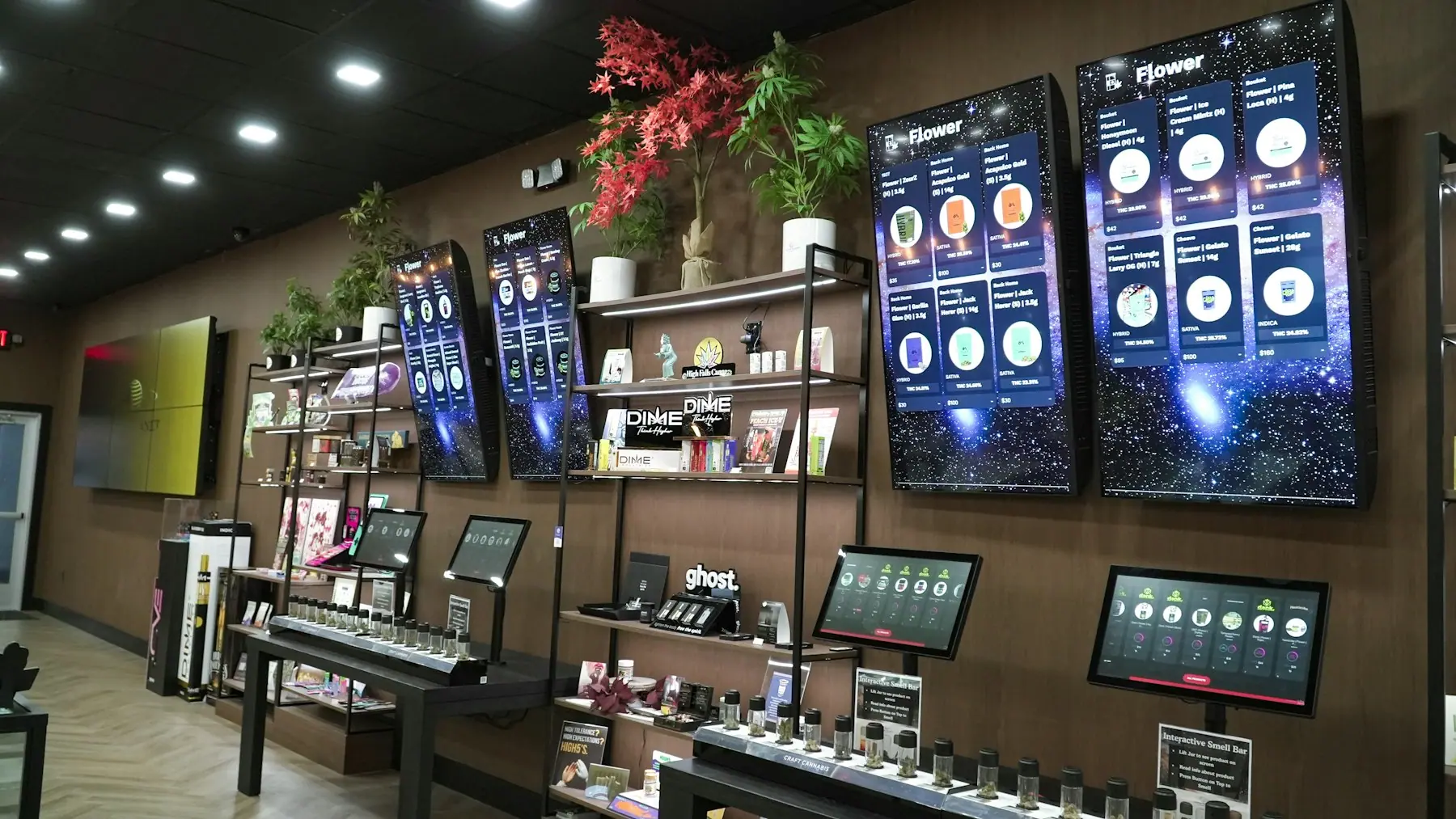
Large-format displays
65 to 105-inch commercial displays, including 21:9 ultra-stretch panels for long boardroom tables.
Table and ceiling audio
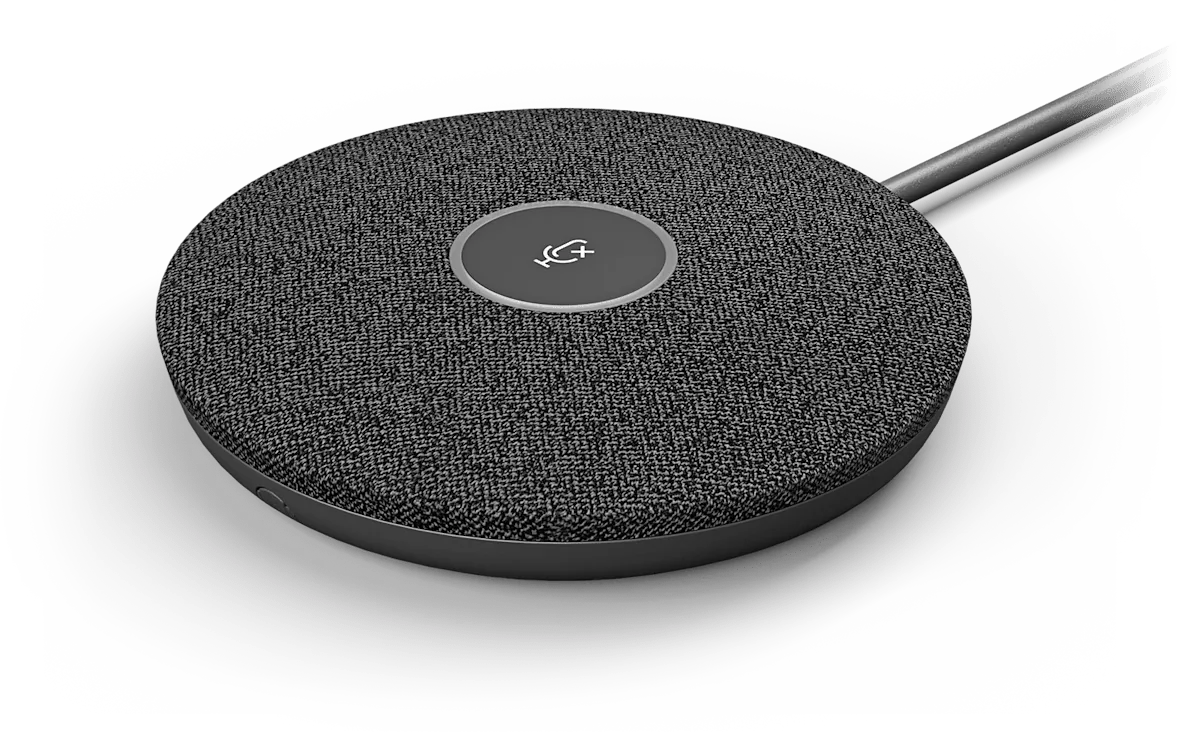
Mic pods, ceiling arrays and DSP tuning so remote participants hear the far end of the table clearly.
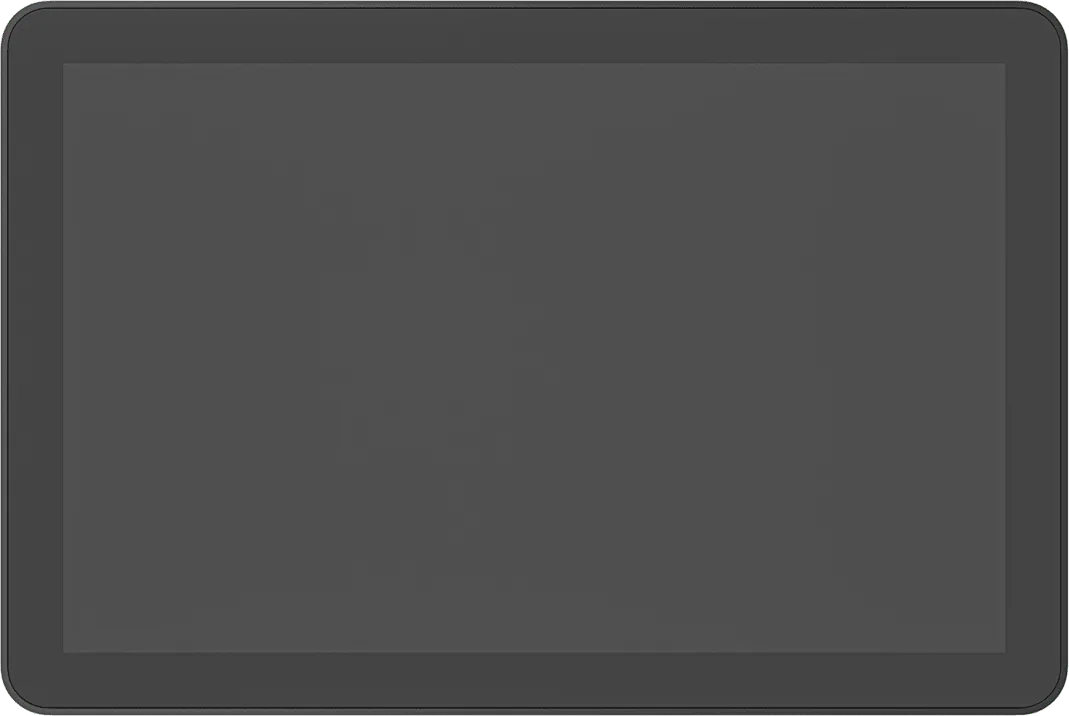
Touch control & scheduling
Tap controllers in the room and booking panels at the door, tied to your Microsoft 365 or Google calendars.
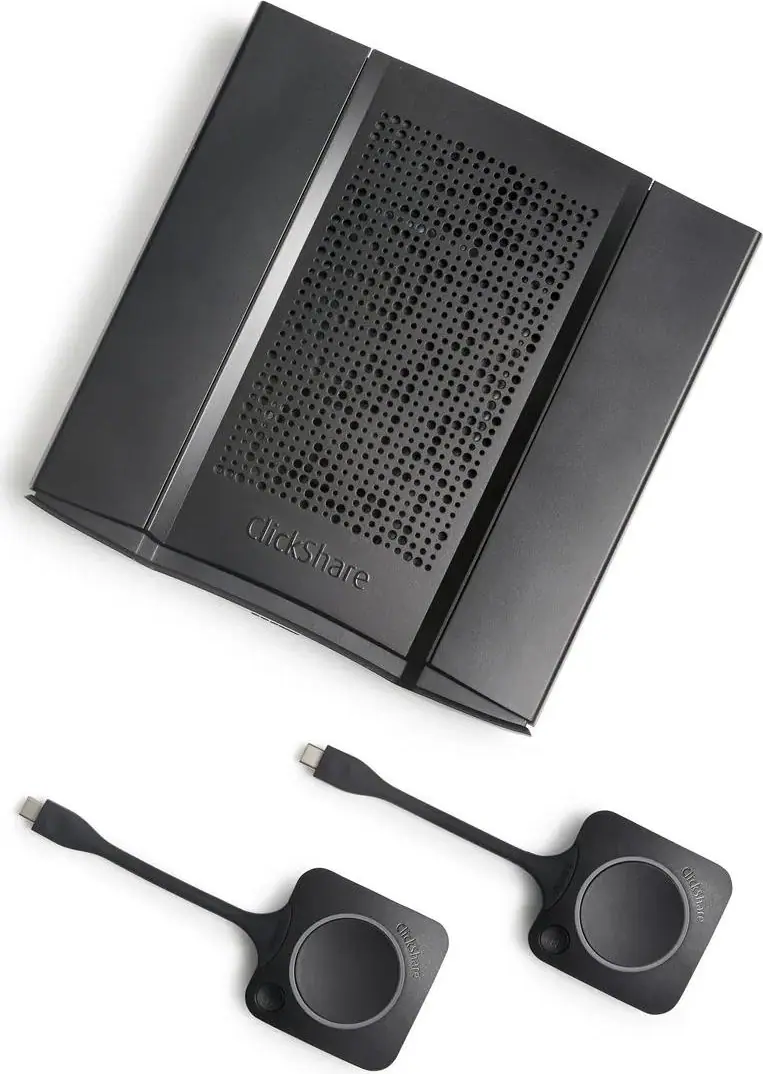
Wireless presentation
Guests share a laptop screen in seconds with ClickShare or AirServer, with no cables or adapters to hunt for.
Clean installation
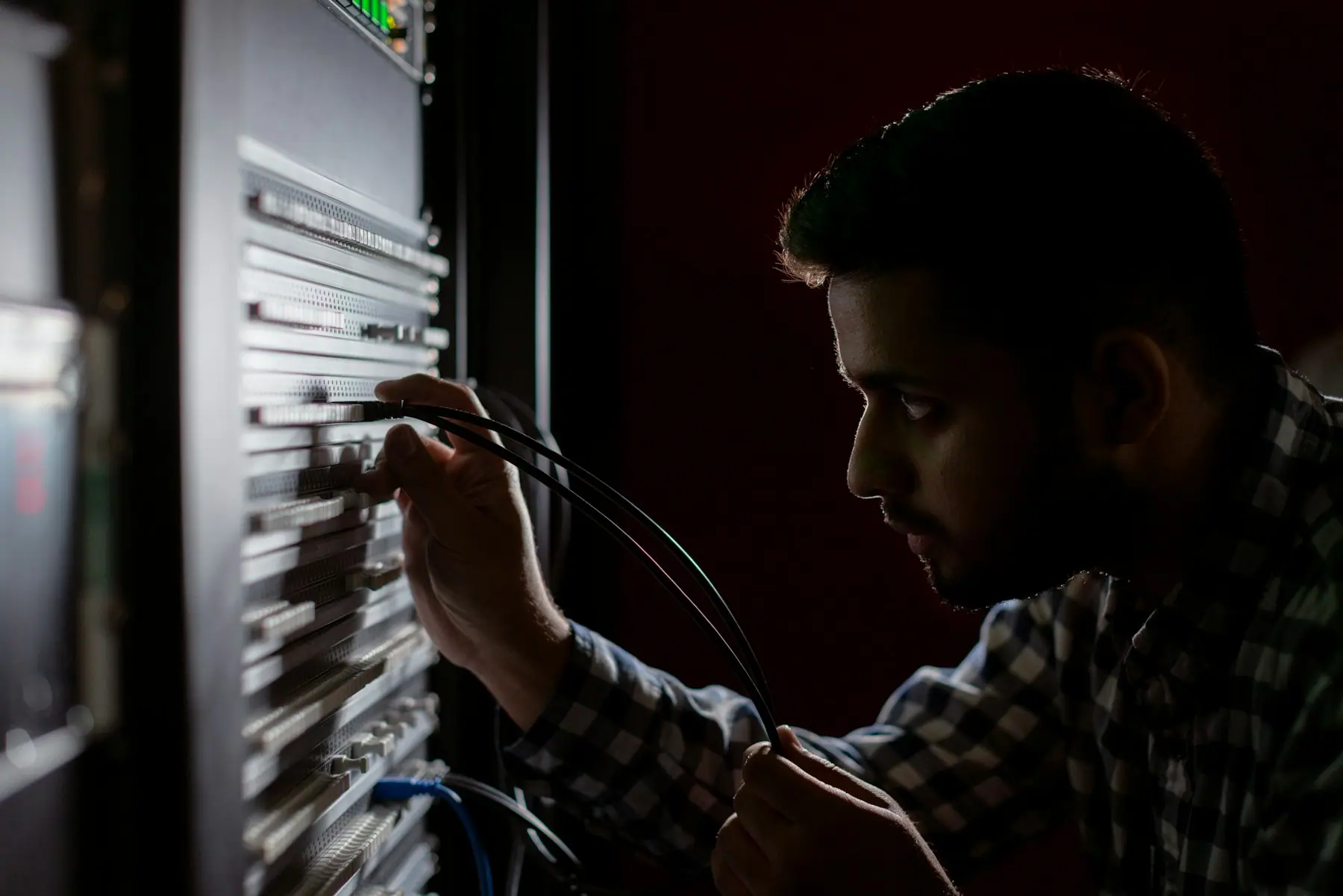
Concealed cabling, certified mounts, labelled racks and documented handover for your facilities team.
Inside a typical system
Every project is designed for its room. These are the building blocks we usually start from, and brands we often specify.
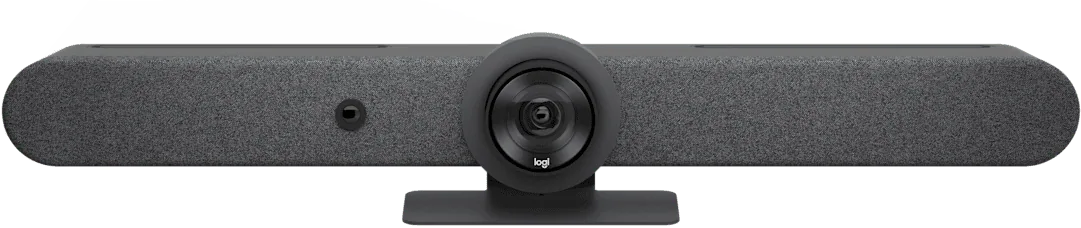
Video bar or camera
All-in-one bar for small rooms, modular camera with table companion for long tables.
- Logitech Rally Bar
- Logitech Sight
- Poly Studio X52
Display
Commercial-grade panels rated for long daily use.
- LG
- Samsung
- Sharp
Audio pickup
Table mic pods or ceiling arrays matched to the room size.
- Logitech Mic Pod
- Shure MXA925
- Sennheiser TCC 2
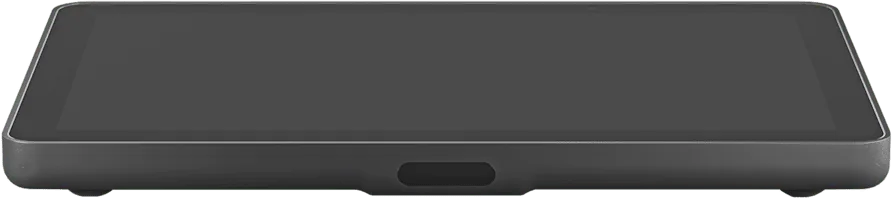
Control & booking
In-room touch controller and outside-door scheduler.
- Logitech Tap IP
- Tap Scheduler
- Panasonic RoomBook
Wireless sharing
Button-based or app-based screen sharing for guests.
- Barco ClickShare
- AirServer

Questions we hear
Can you work with the conferencing platform we already use?
Yes. We design for Microsoft Teams Rooms, Zoom Rooms and Google Meet, and can set up rooms that support a guest platform through BYOD mode.
Do you handle installation and cabling?
Yes. Mounting, cabling, configuration, testing and commissioning are part of how we deliver. Each proposal states exactly what is included.
Can you standardise rooms across multiple floors or cities?
We build a room standard for each size, so every room of that type looks, sounds and starts the same way.
Tell us about the space, the number of rooms and your timeline. We will come back with a plan, not just a price list.
Plan your project