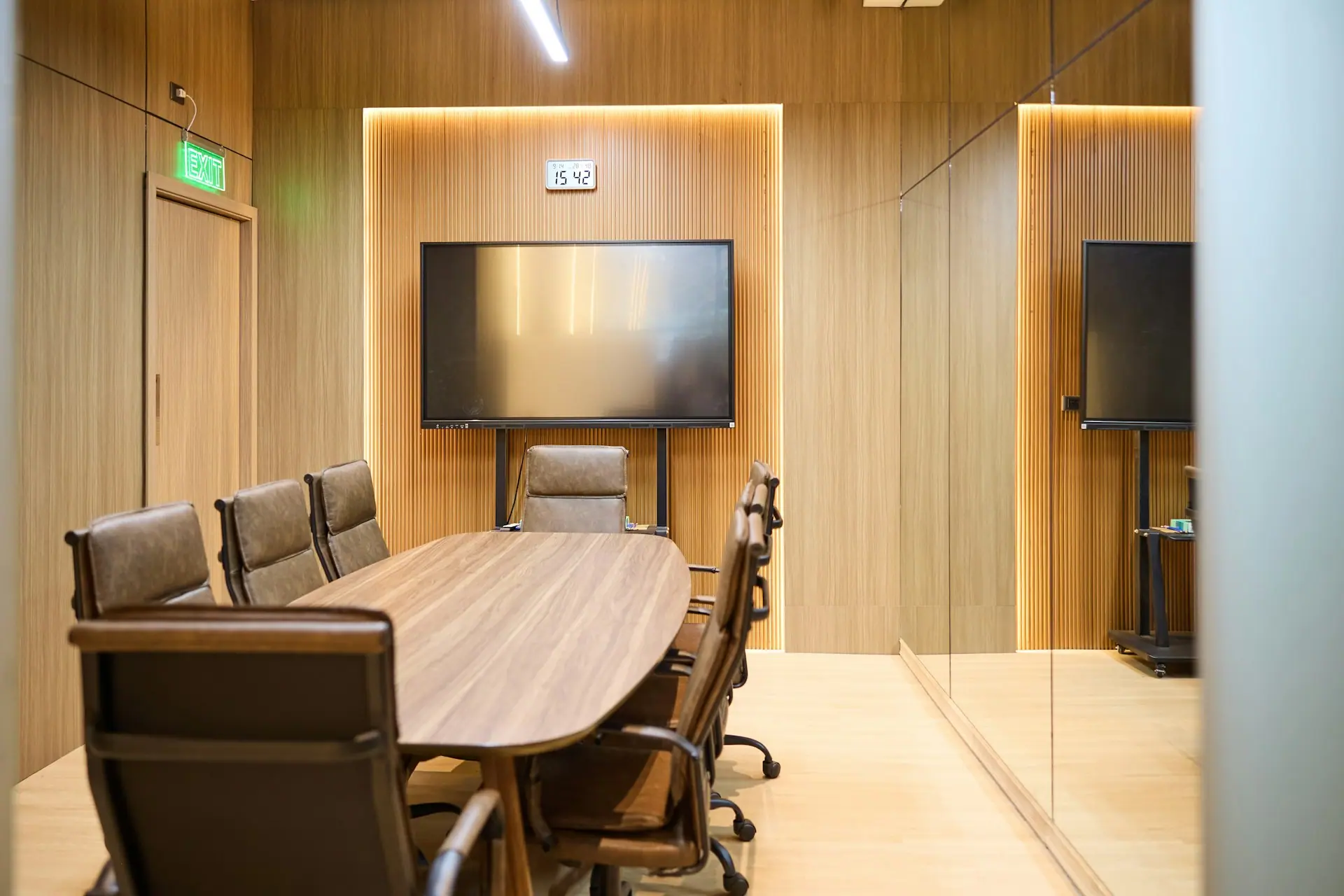

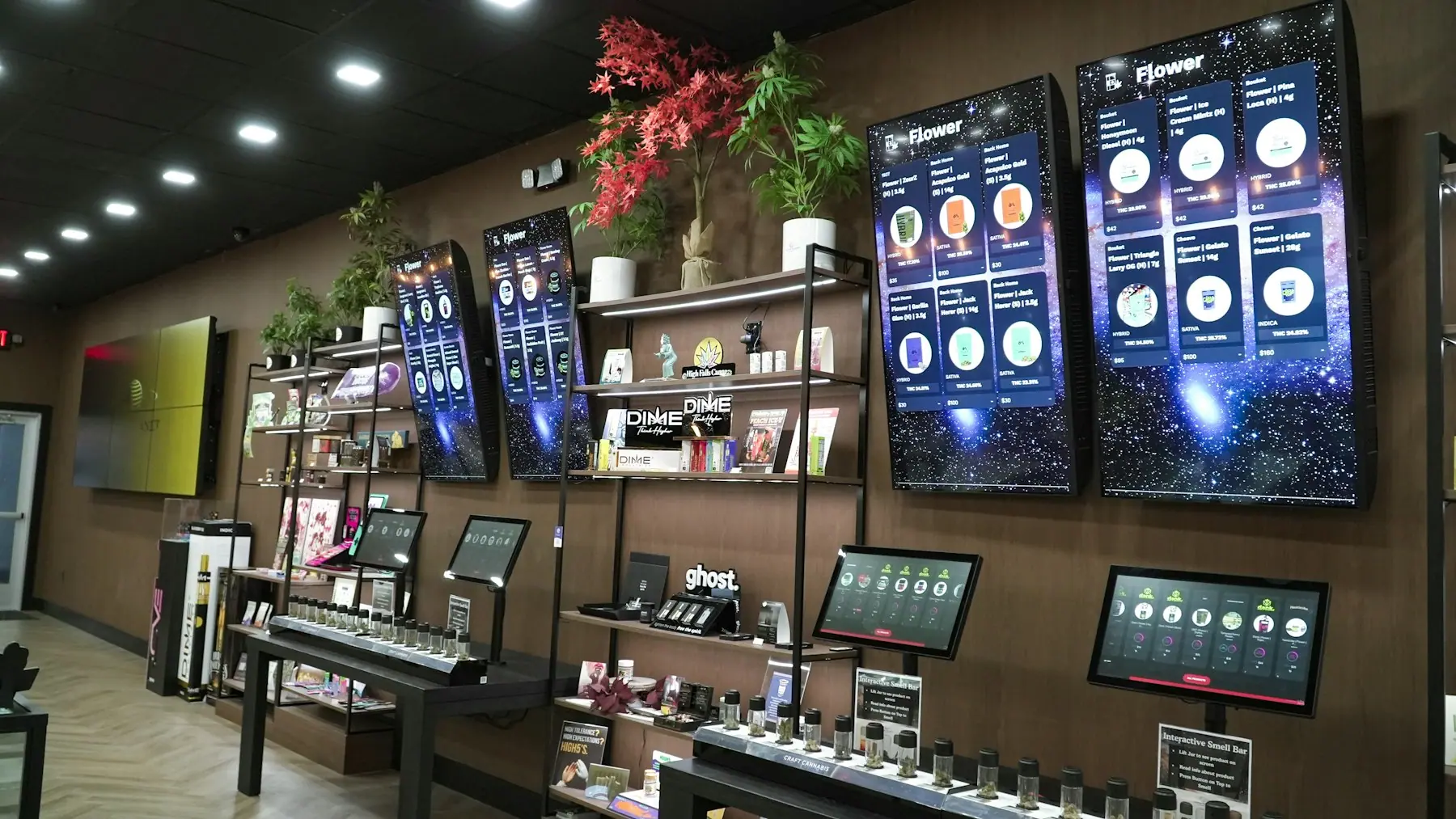
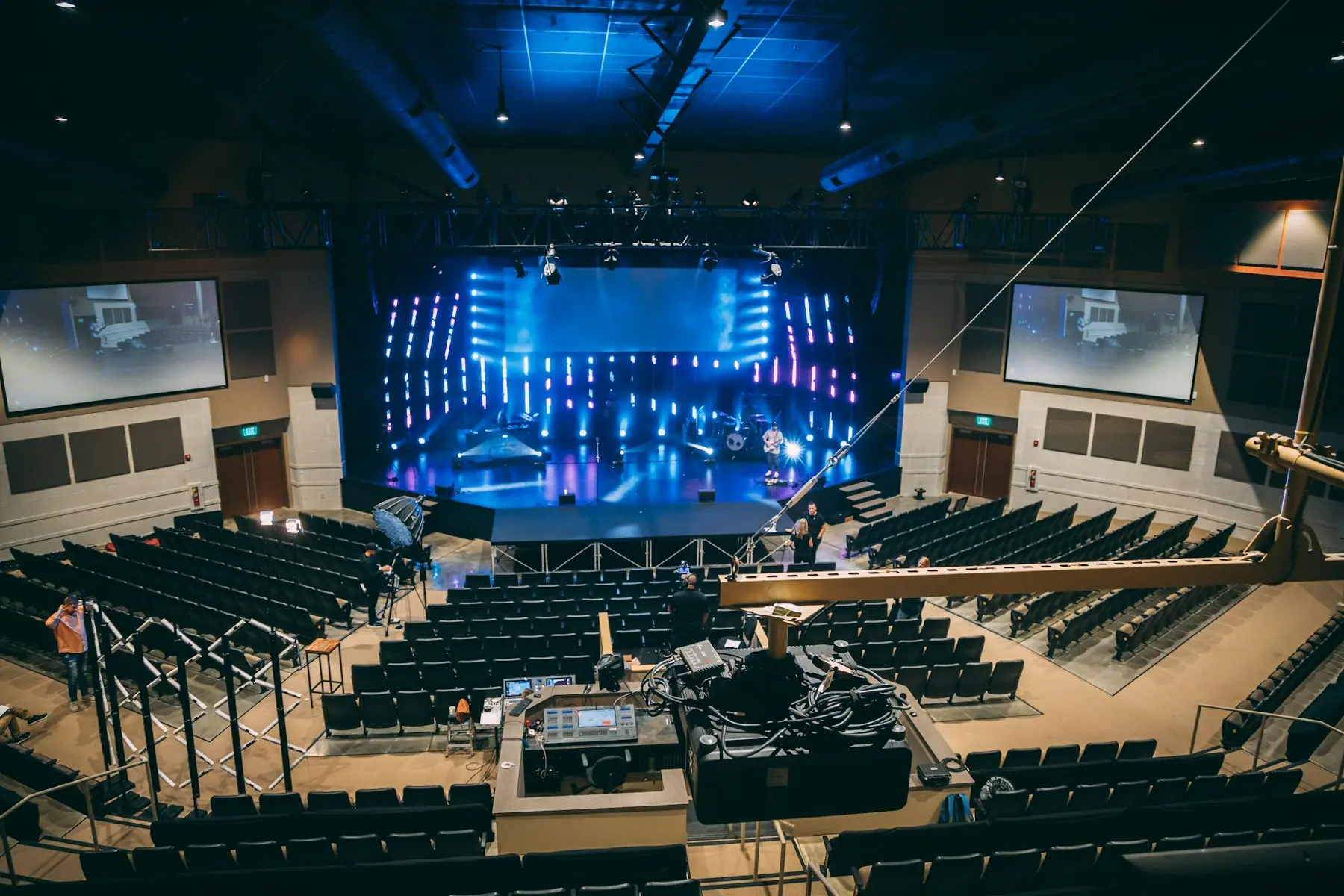
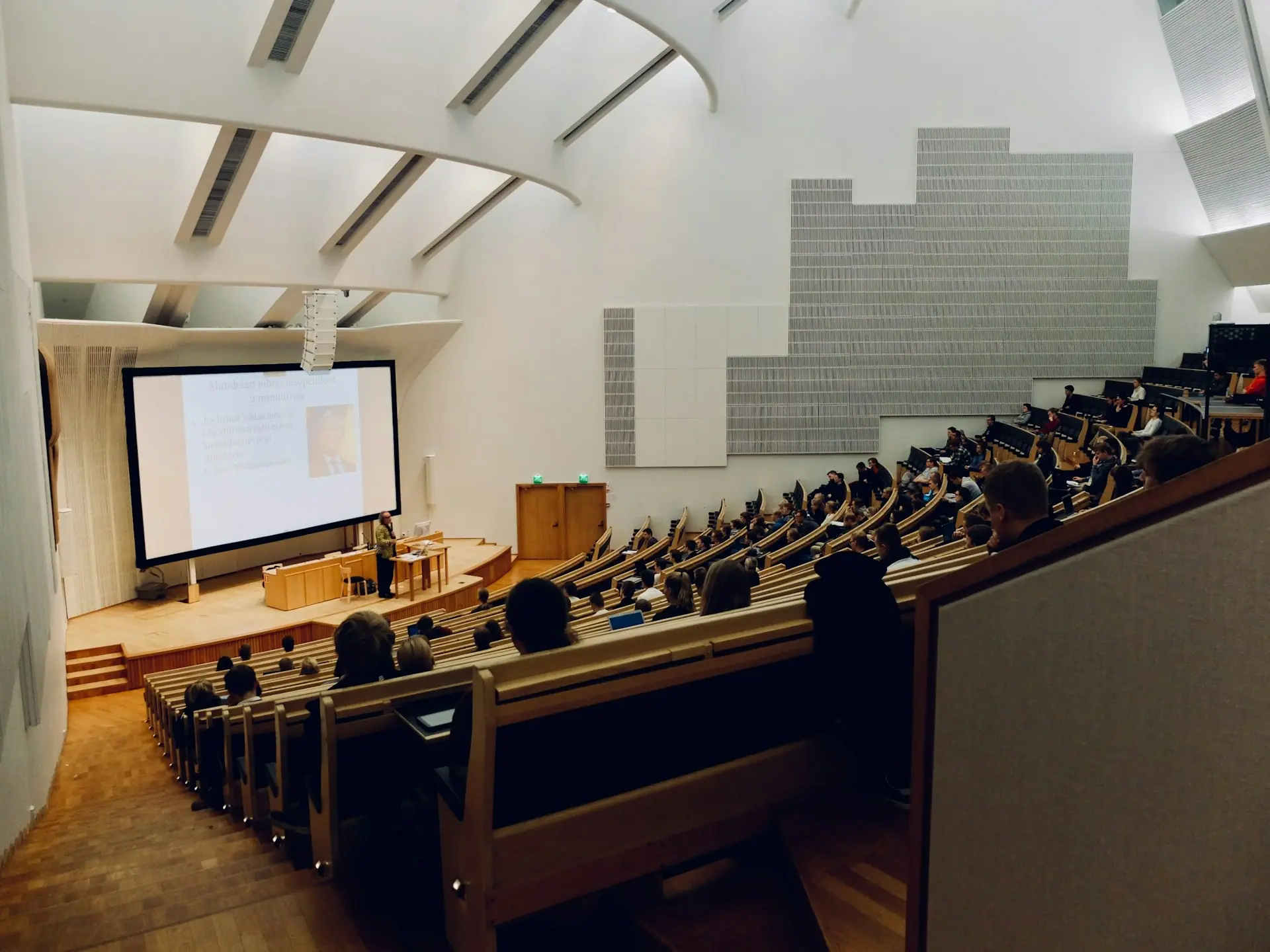
Teams, Zoom and Meet rooms that start on time, with certified hardware and clean BYOD switching.
Hybrid meetings fail on small things: a camera that frames the wrong person, a laptop that will not connect, a call that drops at the hour mark. We standardise the hardware, platform settings and network requirements so rooms behave the same way every day.
- Certified room systems for Microsoft Teams Rooms and Zoom Rooms
- BYOD and BYOM modes for guests on other platforms
- Calendar-linked booking and status panels outside each room
What we deliver
Room systems
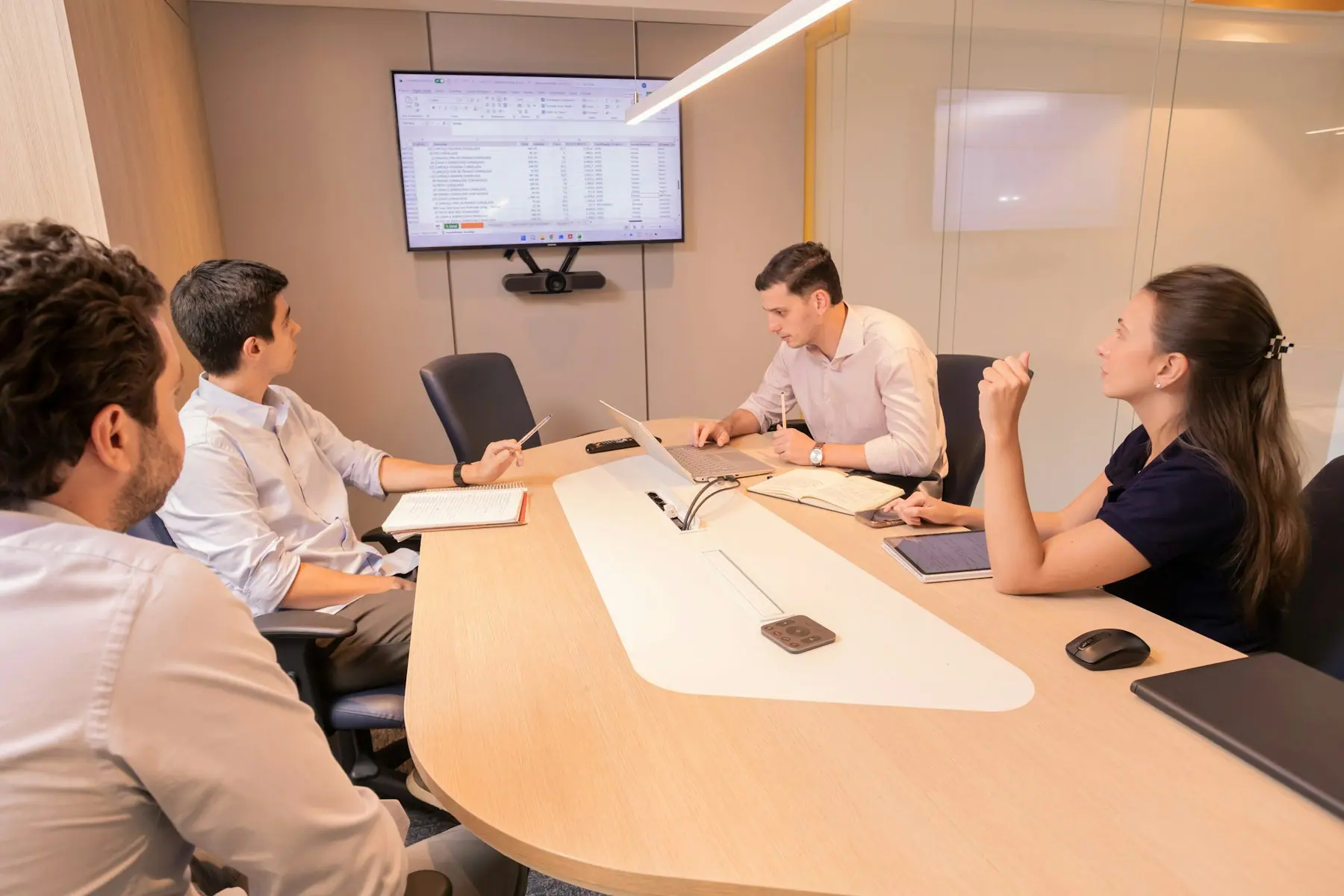
Appliance-based or PC-based room systems sized to each space, with intelligent framing and speaker tracking.
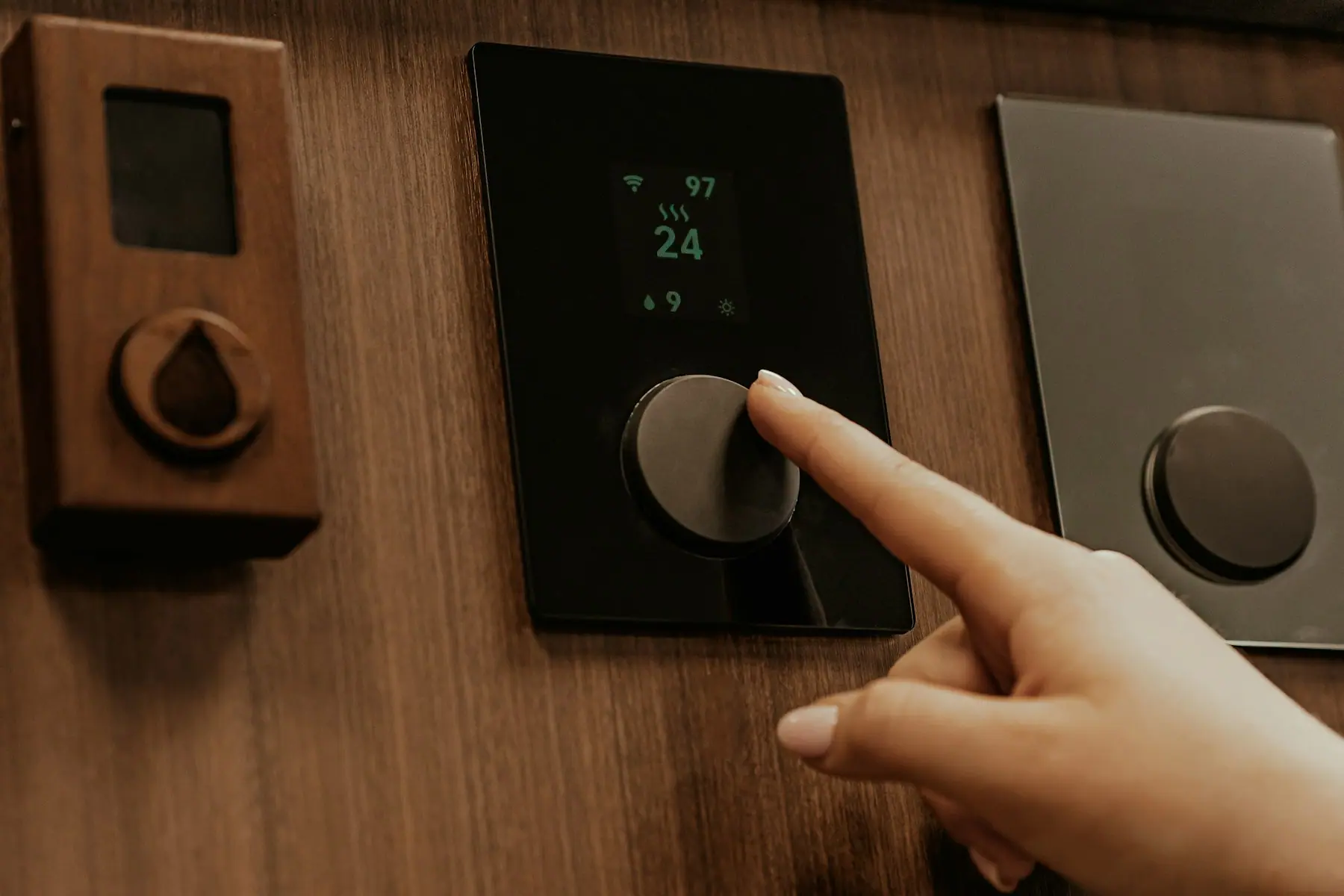
Room booking
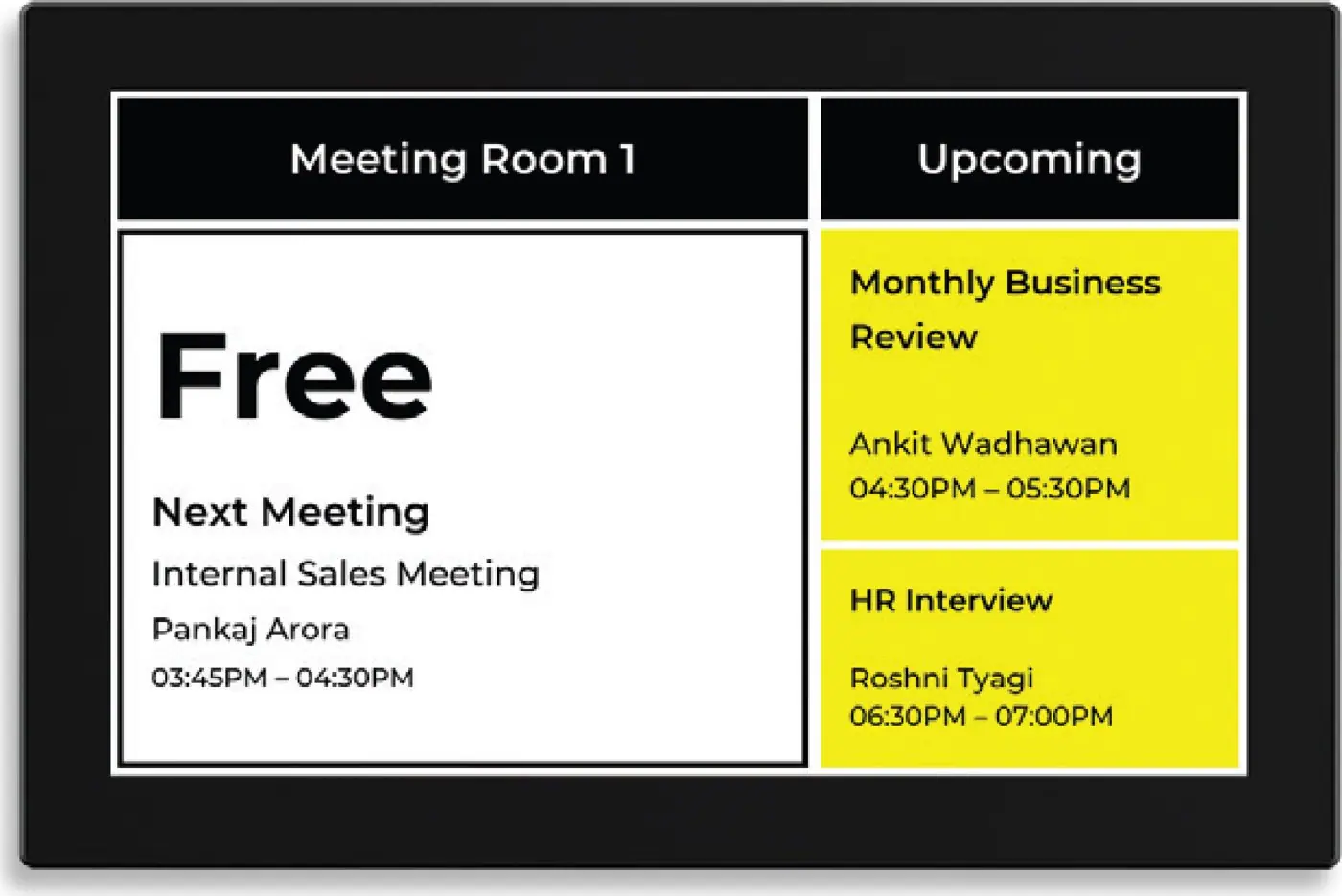
Scheduling panels synced to Microsoft 365 or Google Workspace room resources, including e-paper options.
BYOD & BYOM
Guests use the room camera and audio from their own laptop for any platform, with a single USB connection.
Platform configuration
Device enrolment, firmware baselines, room accounts and policies set up with your IT team.
Device management
Remote monitoring and updates through vendor management portals once rooms are live.
Troubleshooting
Structured diagnosis for camera detection, call drops and interoperability issues when they appear.
Inside a typical system
Every project is designed for its room. These are the building blocks we usually start from, and brands we often specify.
Room system
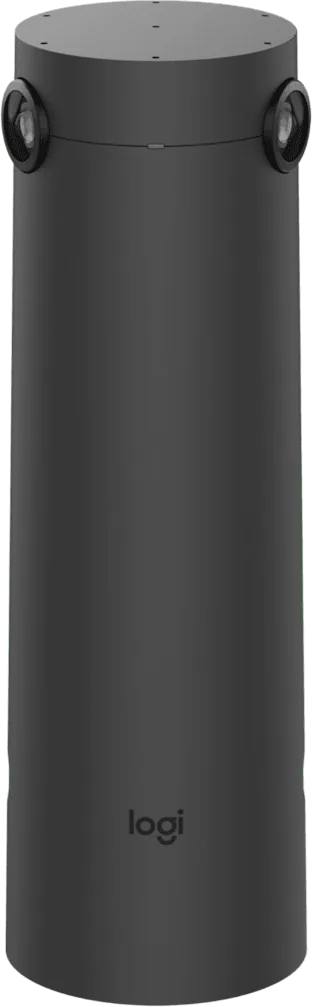
Video bar or modular camera with compute for Teams or Zoom.
- Logitech Rally Bar
- Rally Bar Mini
- Poly Studio X52
- Cisco
Touch controller
Table or wall-mounted controller for one-touch join.
- Logitech Tap IP
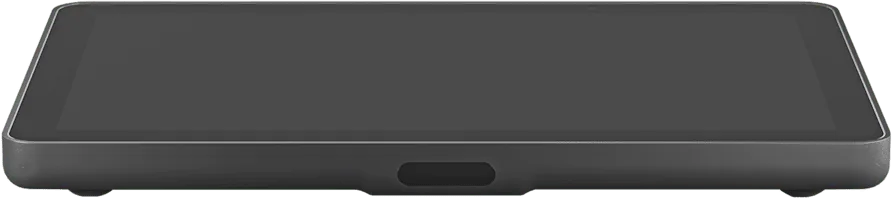
Scheduling panel
Status and booking at the door, synced to the calendar.
- Logitech Tap Scheduler
- Panasonic RoomBook
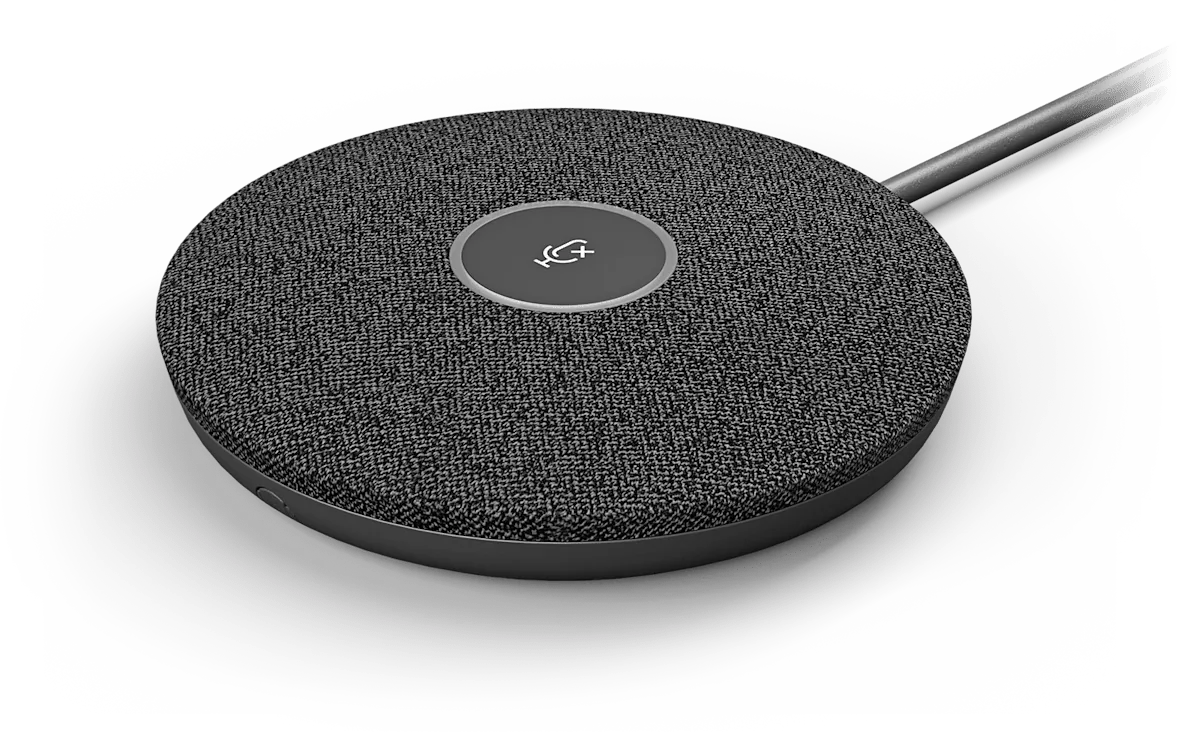
Audio extension
Extra mic pods or ceiling mics for larger rooms.
- Logitech Mic Pod
- Shure
- Sennheiser


Questions we hear
Teams Rooms or Zoom Rooms?
We follow your organisation standard. Most of the hardware we specify is certified for both, and we can enable guest joining for the other platform.
Can a room scheduler show live availability from Outlook?
Yes. Scheduling panels read the room resource mailbox, so bookings made in Outlook or Teams appear at the door automatically.
Tell us about the space, the number of rooms and your timeline. We will come back with a plan, not just a price list.
Plan your project