One panel for displays, sources, audio, lighting and blinds. No remote-control hunting.
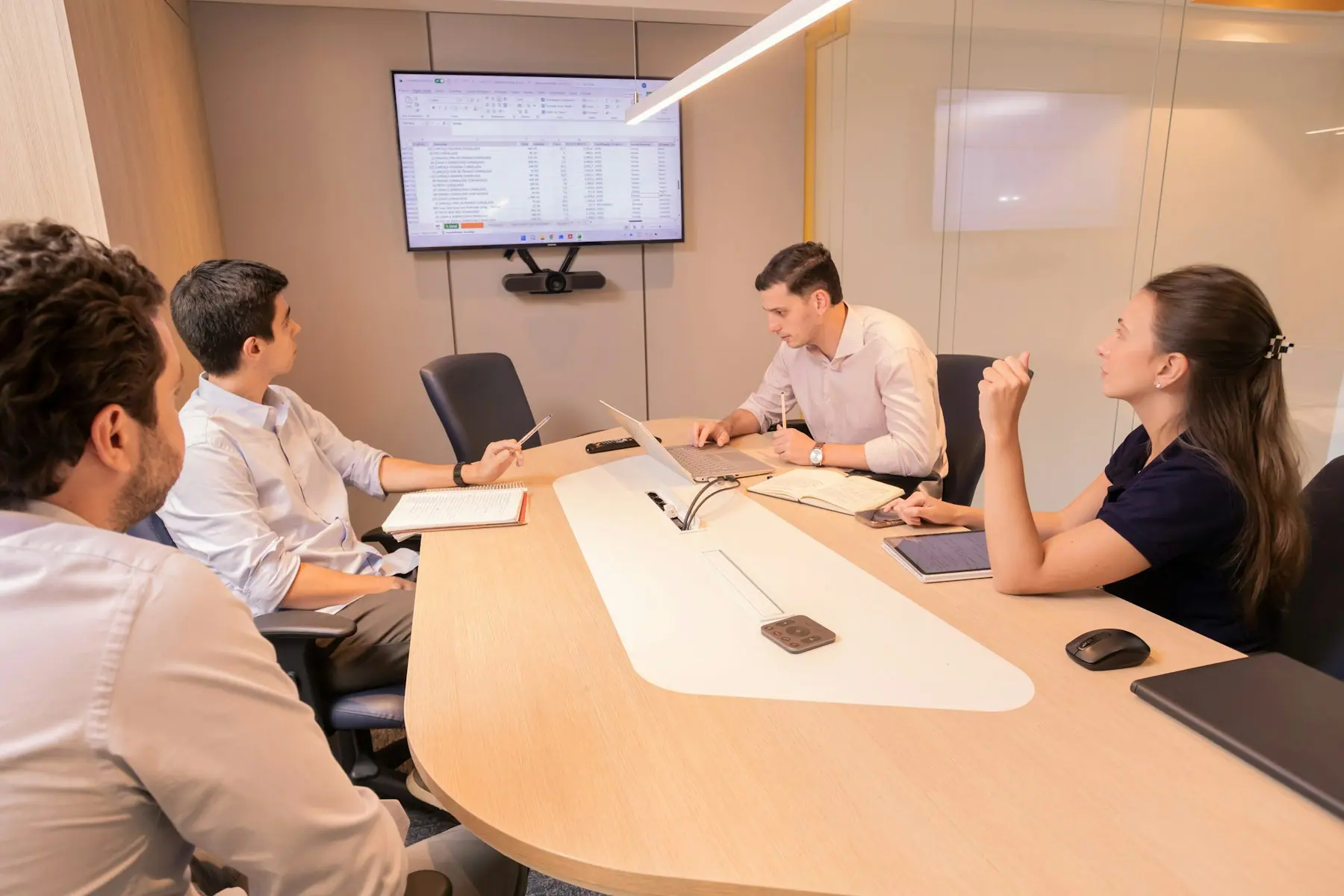
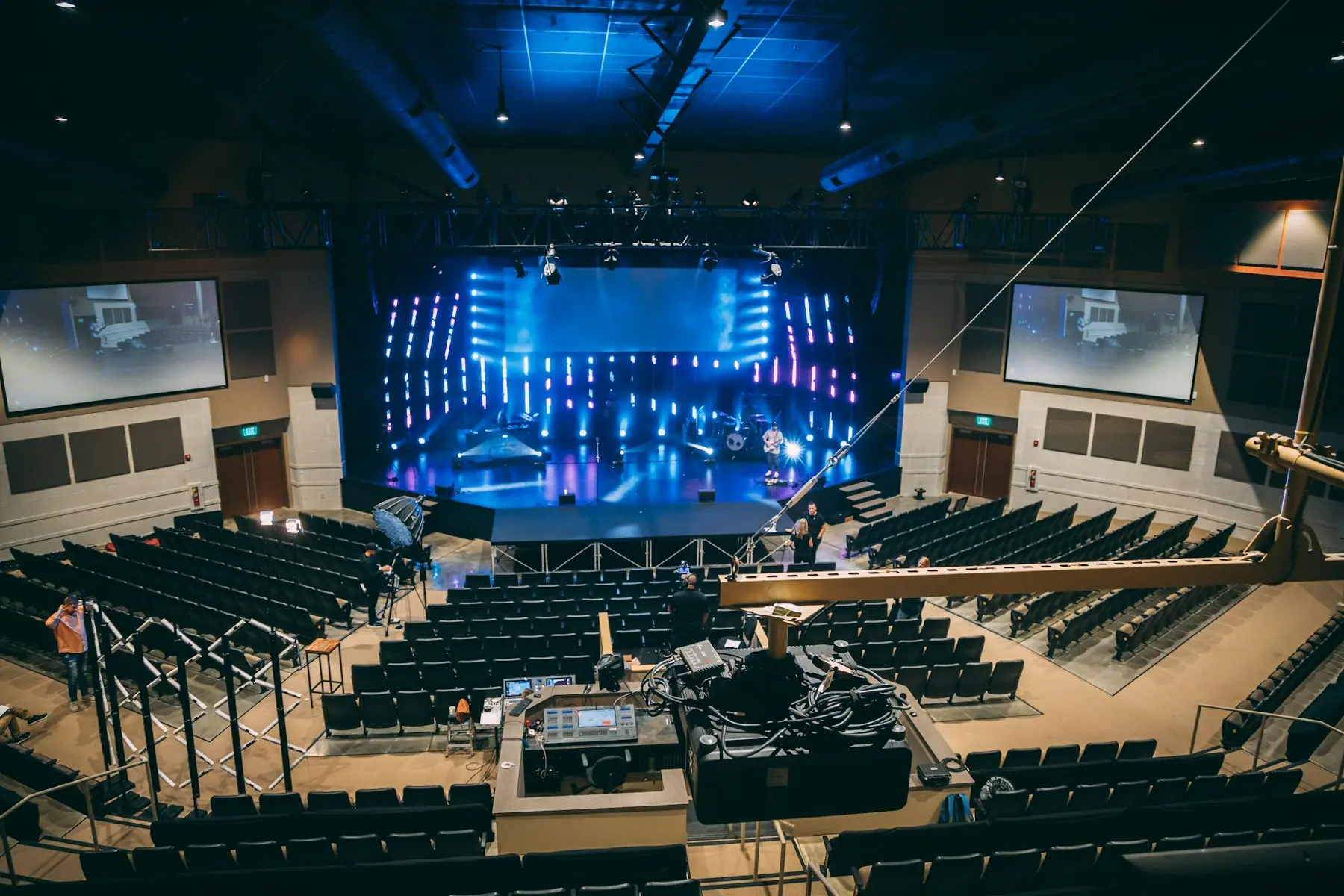
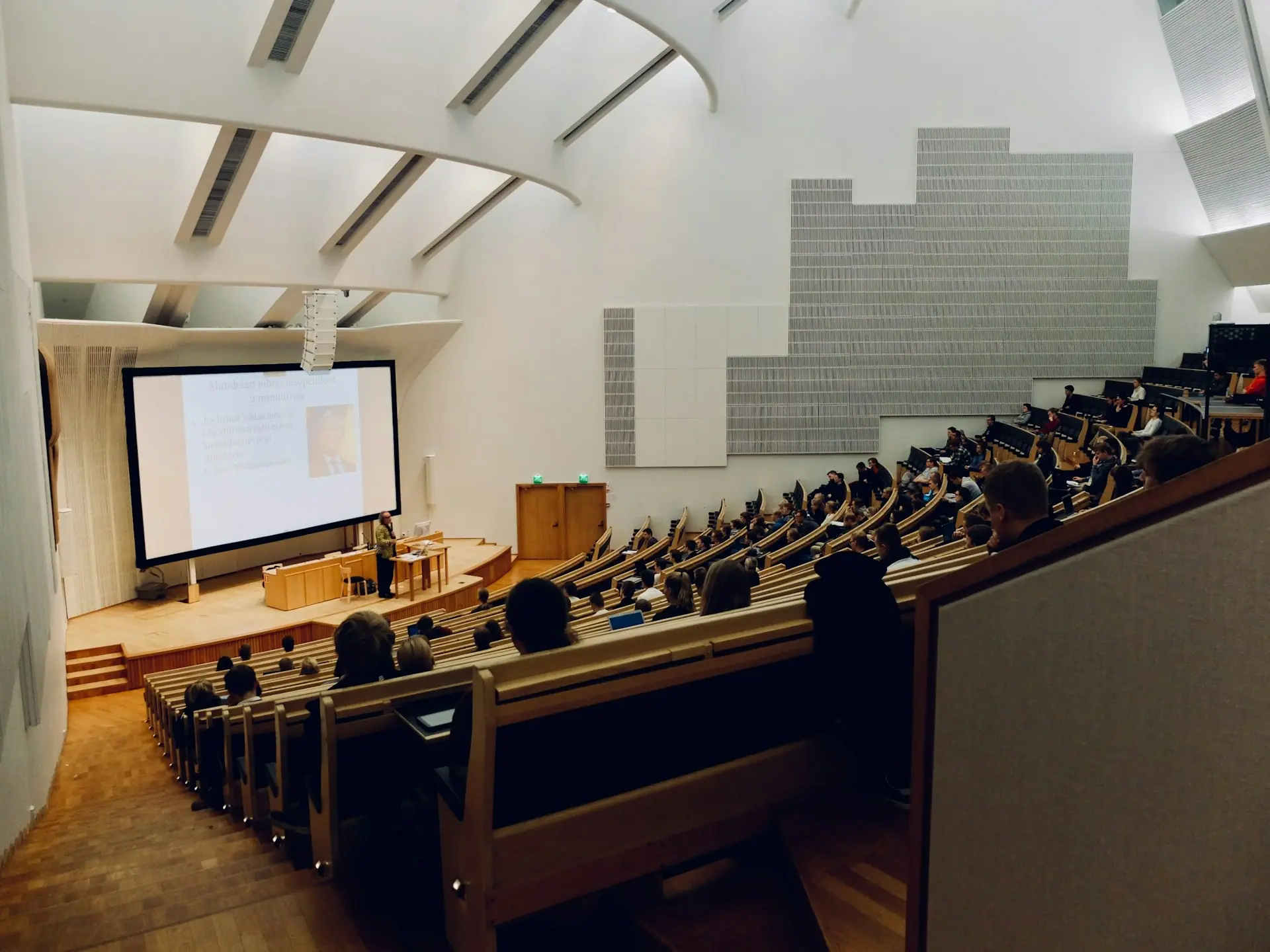
In a well-automated room, one button does the right thing: screens wake, the correct source appears, audio levels are set and lights dim. We design the control logic around how people use the room, then programme and test every scenario.
- One-touch scenes for presentations, calls and events
- Every device in the room on one touch panel
- Fewer support calls because the room behaves predictably
What we deliver
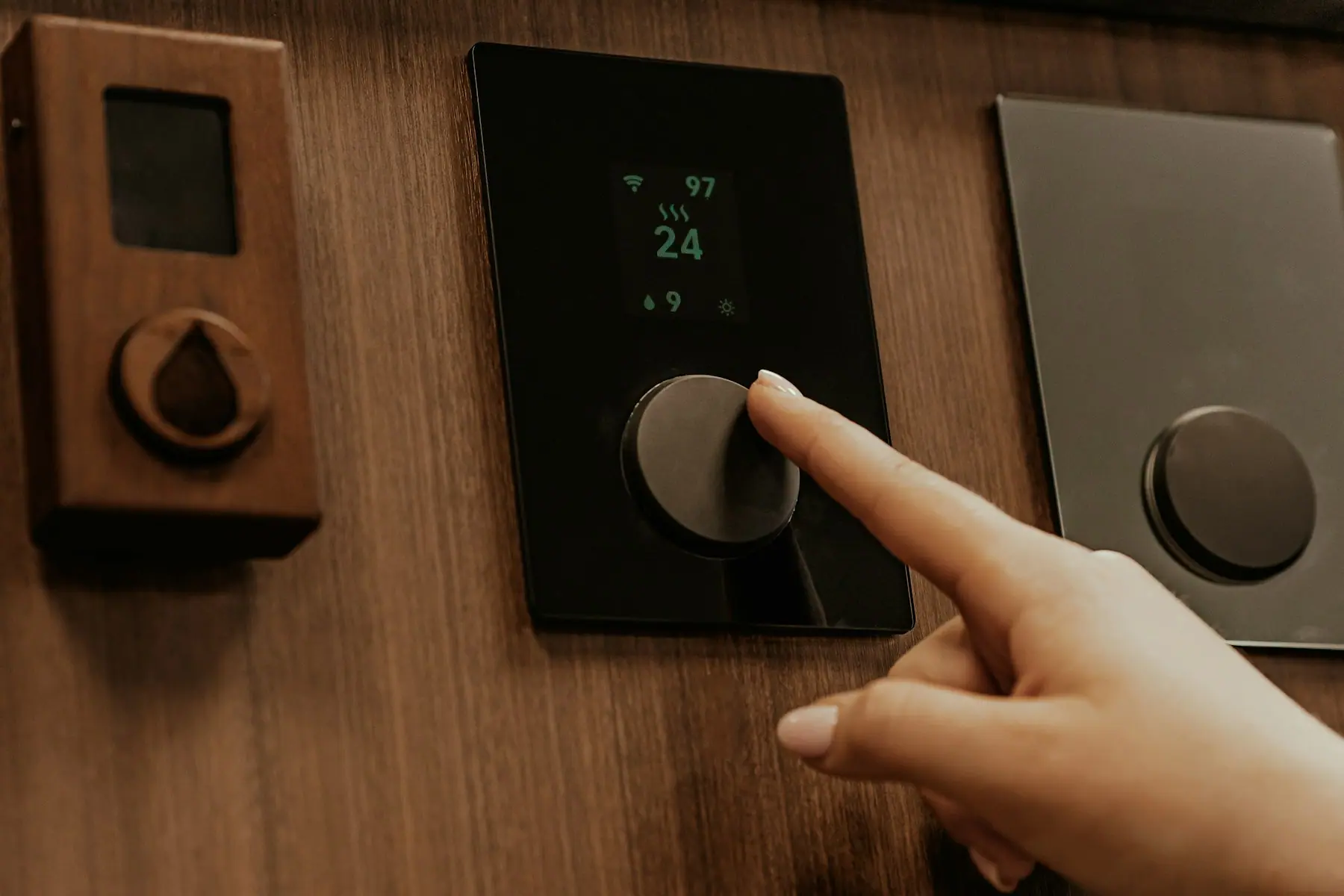
Touch panels
Wall and table touch panels with clear, branded interfaces.
Control processors
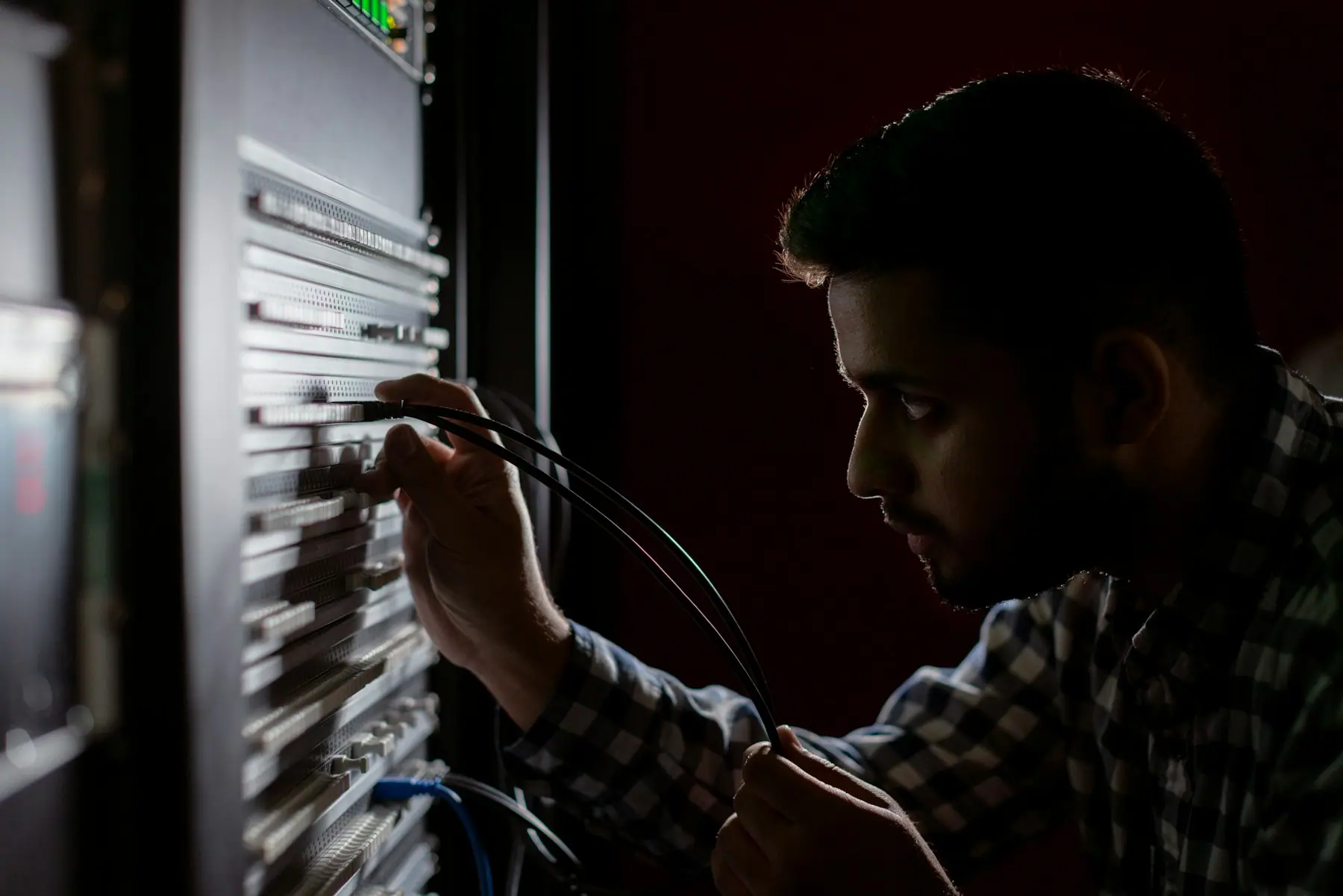
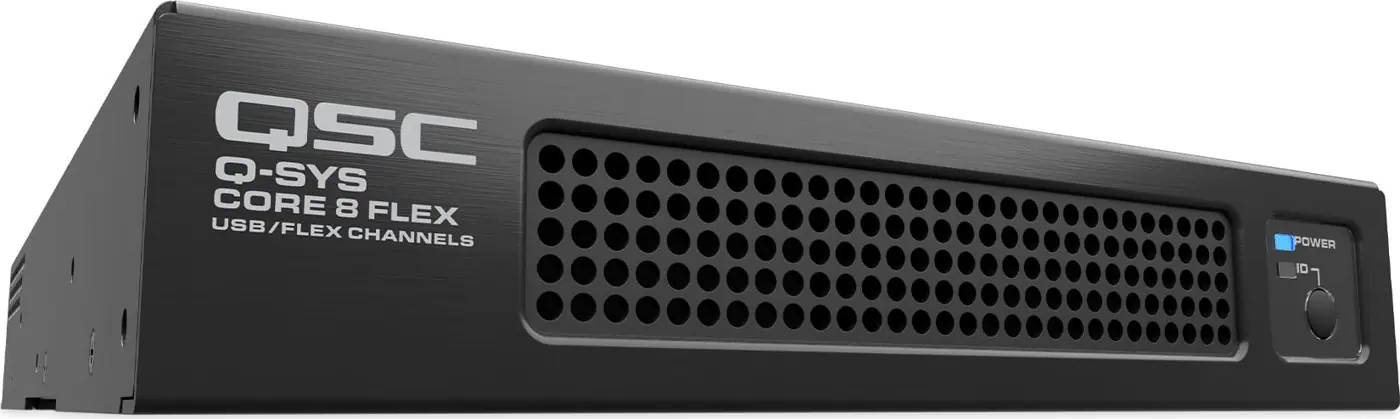
Programmable control for displays, switchers, DSP, lighting and blinds.
Switching & extension
HDMI and USB switching, extension and table connectivity boxes.
Programming
Custom logic, presets and scheduled shutdown to save energy.
Inside a typical system
Every project is designed for its room. These are the building blocks we usually start from, and brands we often specify.
Touch panel
Wall or table mounted user interface.
- Crestron TSW-1070
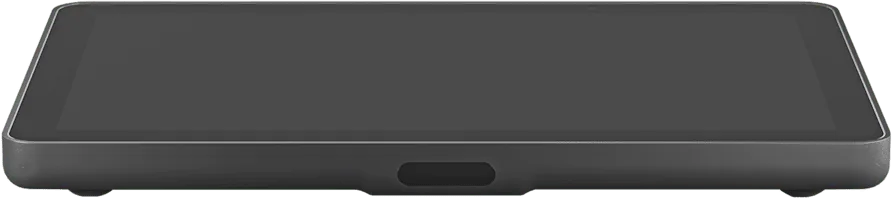
- Logitech Tap
Control & switching
Processors, switchers and extenders.
- Crestron
- Kramer
Table connectivity
Pop-up and table boxes for laptop connections.
- Kramer TBUS
Products we often specify
All products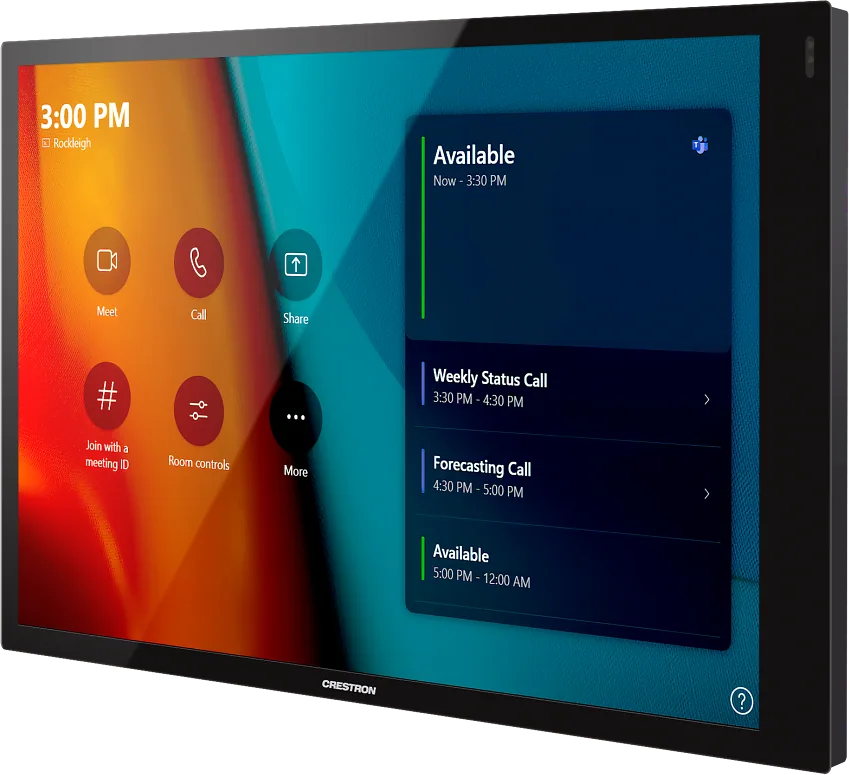
Questions we hear
Can you add control to a room that is already installed?
Usually, yes. We audit what is there, check which devices can be controlled over IP or serial, and design control around the existing equipment.
Tell us about the space, the number of rooms and your timeline. We will come back with a plan, not just a price list.
Plan your project